Compatibility
Minecraft: Java Edition


Links
Creators
Details

📜 ABOUT
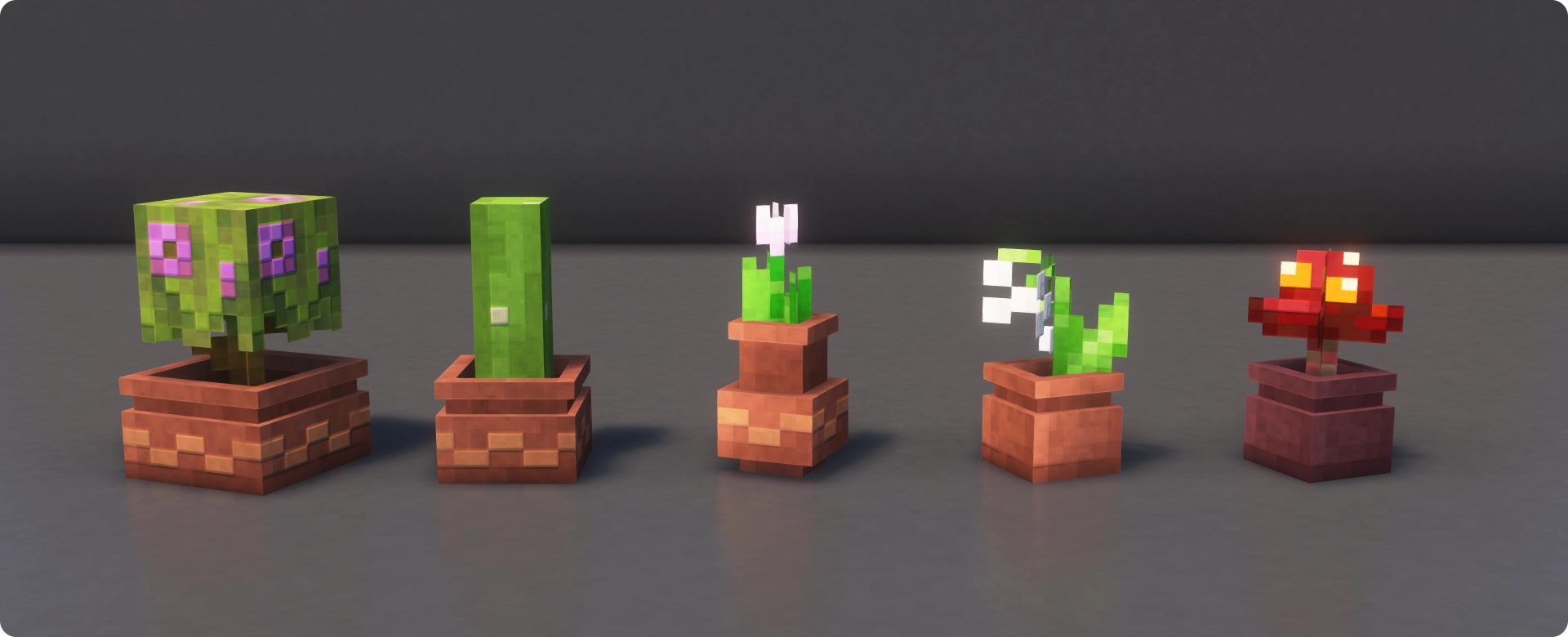
This Add-on for Fresh Flower Pots applies a random rotation to all flower pots, creating a more organic and varied look. The rotation is determined by the flower pot’s position and cannot be controlled by the player.
Works beautifully alongside my other vanilla-friendly resource packs.
⚙️ INSTALLATION
1. Download Fresh Flower Pots
2. Download this Add-on
3. Put both packs in the resource packs folder and enable them in-game
4. Make sure the Add-on is above Fresh Flower Pots in the resource packs list
⚡ SERVER HOSTING
Need a Minecraft server and want to support me? Sparked Host offers great performance at a fair price.
Use code BLUEHD for 25% off, or check them out here!

📦 EXPLORE MY OTHER PROJECTS




Join our Community
Have feedback, ideas for future updates or found a bug? Share it on our Discord Server!
📝 TERMS OF USE
Copyright
- BlueHDGaming is the creator and copyright owner of this resource pack
- If you use or showcase this resource pack in a public project or content, you must give credit by:
- Including the name of this resource pack
- Providing a direct link to this Modrinth page
✔️ Permissions
You may:
- Modify this resource pack for private use only
- Include this resource pack in Modrinth modpacks
- Use this resource pack on Minecraft servers, provided it is not distributed as a separate public download
- Use this resource pack in videos, livestreams, screenshots or other media, including monetized content
- Create and publish add-ons for this resource pack, provided that:
- The add-on requires the original resource pack to function
- The add-on does not include any unmodified files from the original resource pack except where technically required
❌ Restrictions
You may not:
- Claim ownership of this resource pack or its assets
- Redistribute, reupload or republish this resource pack or its assets, except as permitted in the Permissions section
- Use this resource pack or its assets for commercial purposes, except where permitted in the Permissions section